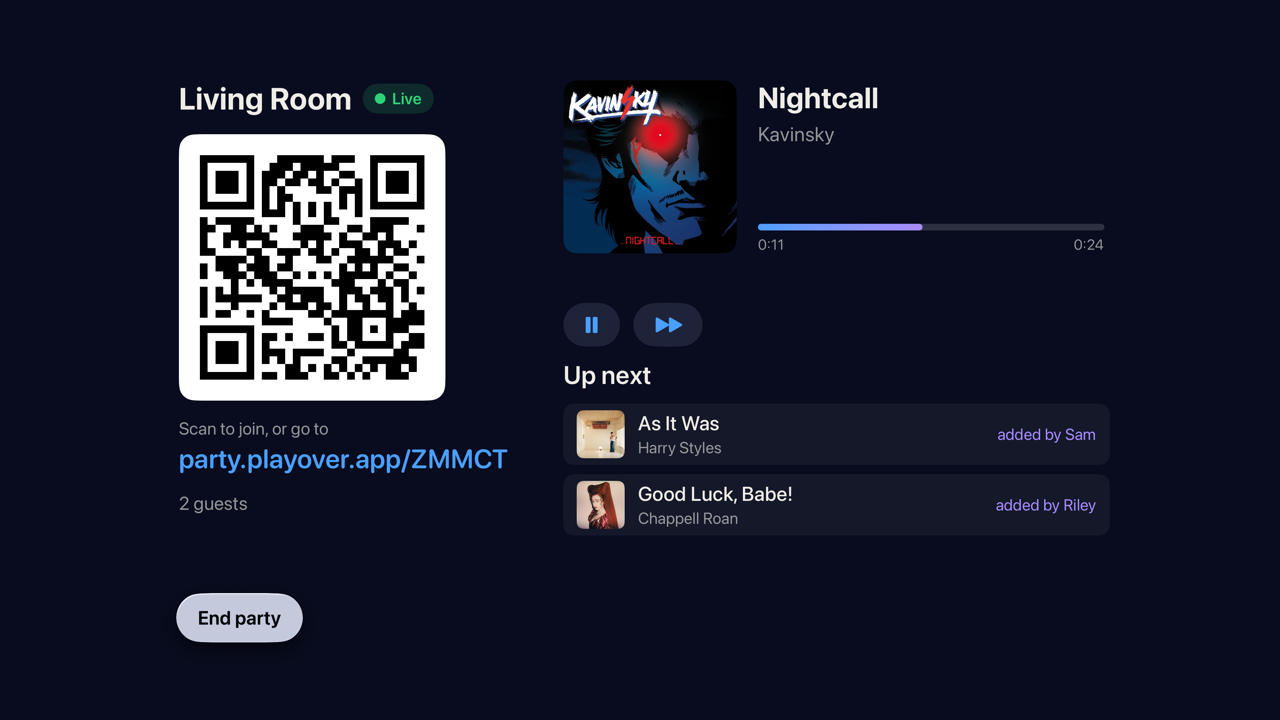
The person with the speakers starts a party. Everyone else opens a link and adds songs from whatever music app they already use — Spotify, Apple Music, YouTube Music, Tidal, Deezer. PlayOver works out what the song actually is and the host's speakers play it. Nobody has to install anything, sign up, or care what anyone else subscribes to.
Type it in, or just open the link the host gave you. There is nothing to install and no account to make.
That doesn't look like a party code — they're five characters.
You pick either, or both. The first needs nothing but the link. The second is for when you want the music in your own ears as well as in the room.
Works in any phone browser. No app, no sign-in, no subscription.
Plays on your own subscription, so nobody is streaming anybody else's account.
Adding songs works from every platform, everywhere — that part never depends on what you use. Listening along is the part that does, because the music has to actually play on something you are subscribed to.
The tab becomes the player. Open it, sign in to Apple Music, pick a playlist to run in the background, and share the link. Requests cut in when someone adds one, and the playlist picks up again when the queue empties.
Open the browser hostThe PlayOver app turns the device with the speakers into the player. Guests still join with nothing but the link.
Hosting on Spotify needs Spotify Premium and a one-time setup of about three minutes that the app walks you through.
Get the app
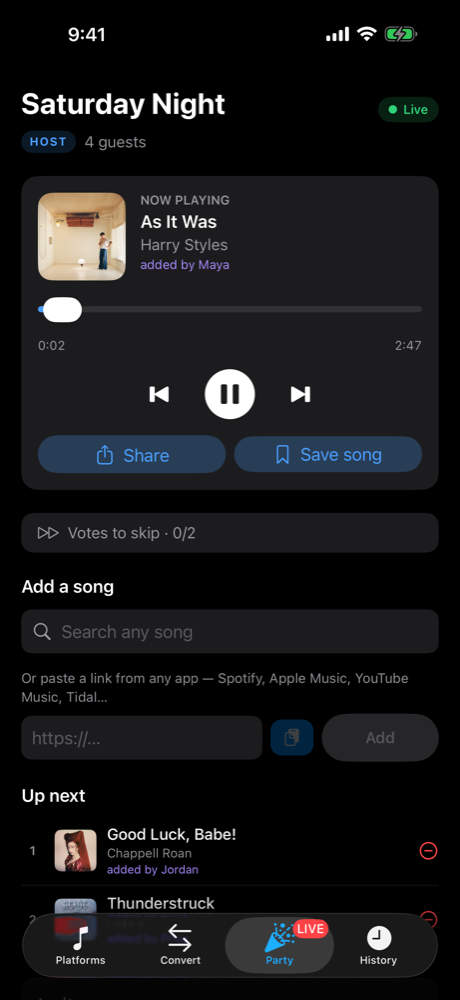
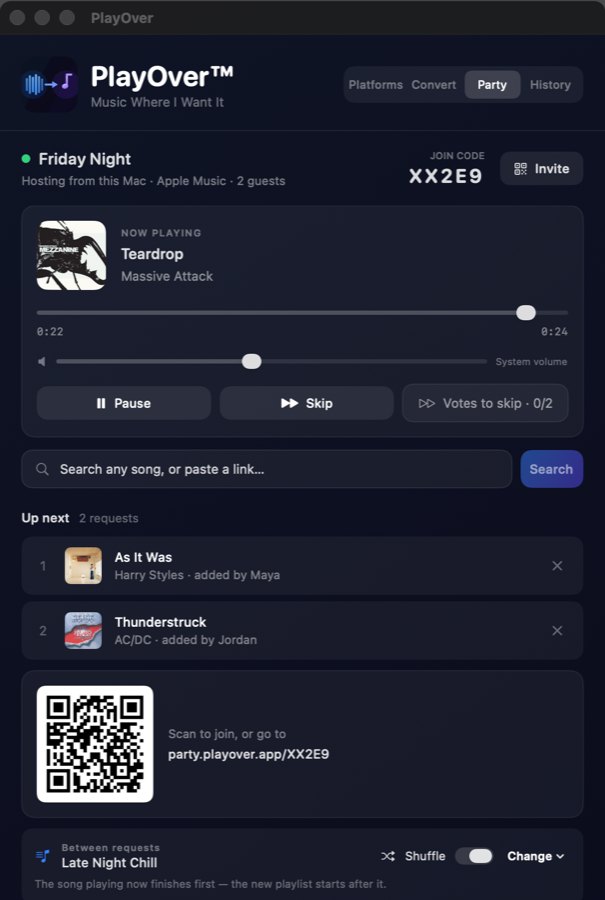
Free on every platform. You never need it to join a party — it is for hosting from your own phone, computer or TV, listening along on Spotify, and everything else PlayOver does the rest of the time.
Free forever. No account required to use the converter or to join a party.
No. They open a link in whatever browser is on their phone and start adding songs. That is the whole point.
No. Someone can paste a Spotify link at a party running on Apple Music and it plays. Working out that two links are the same song is the thing PlayOver has always done.
The host sets house rules: how many requests each person gets, whether explicit tracks are allowed, and how many votes it takes to skip. Change them mid-party and everyone's screen updates.
Yes — there is a separate listen-only link. It lets people hear the party without adding to the queue, and it can't be turned back into a full invite.
You get a recap of everything that played and who asked for it, kept at its own link.
Start one in a browser tab and send the link round the room.
Start a party