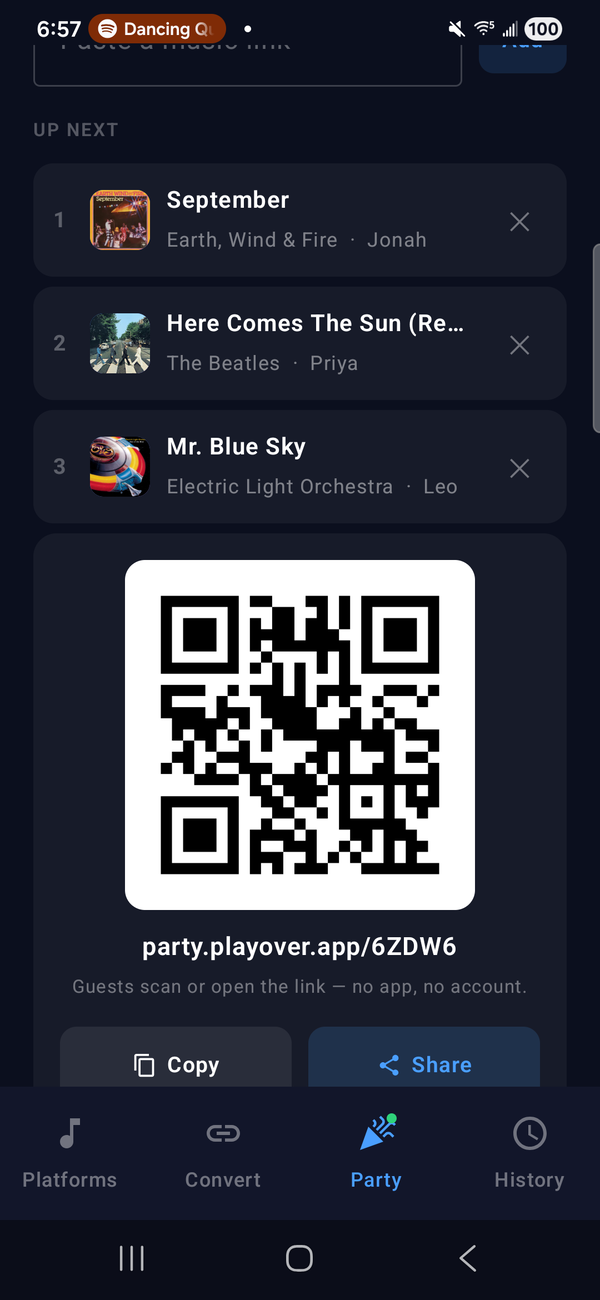
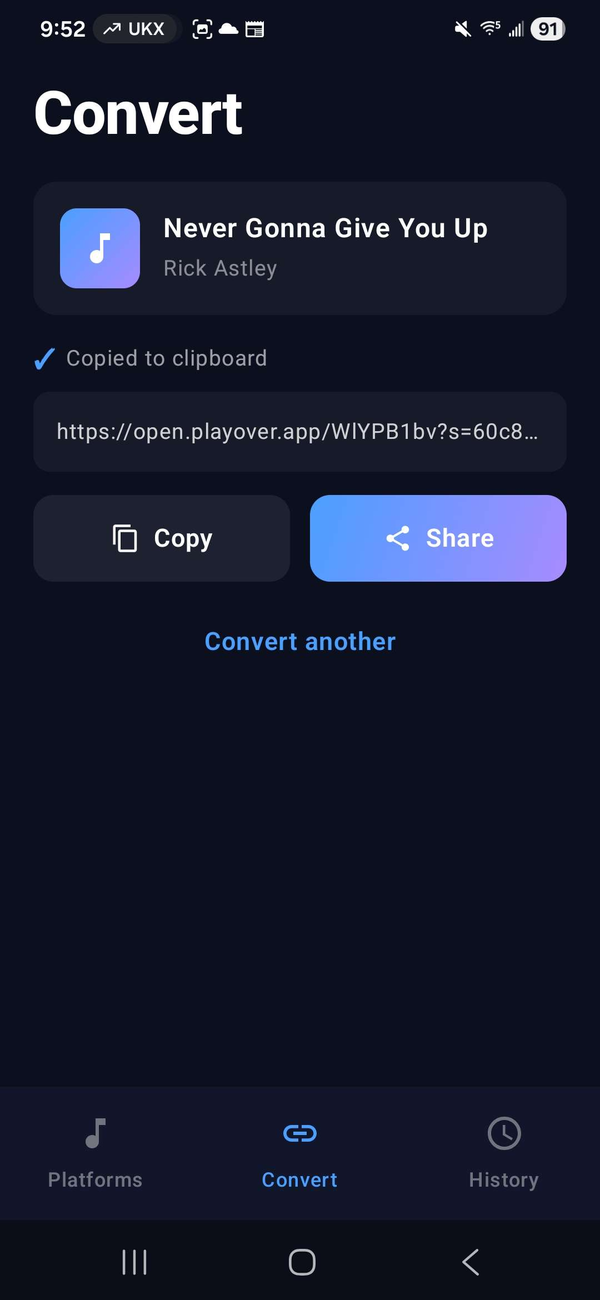
Share music across every streaming platform, right from the Android share menu. Works with Spotify, Apple Music, YouTube Music, and more. And now it hosts parties: guests add songs from their own music app, and your phone plays them.
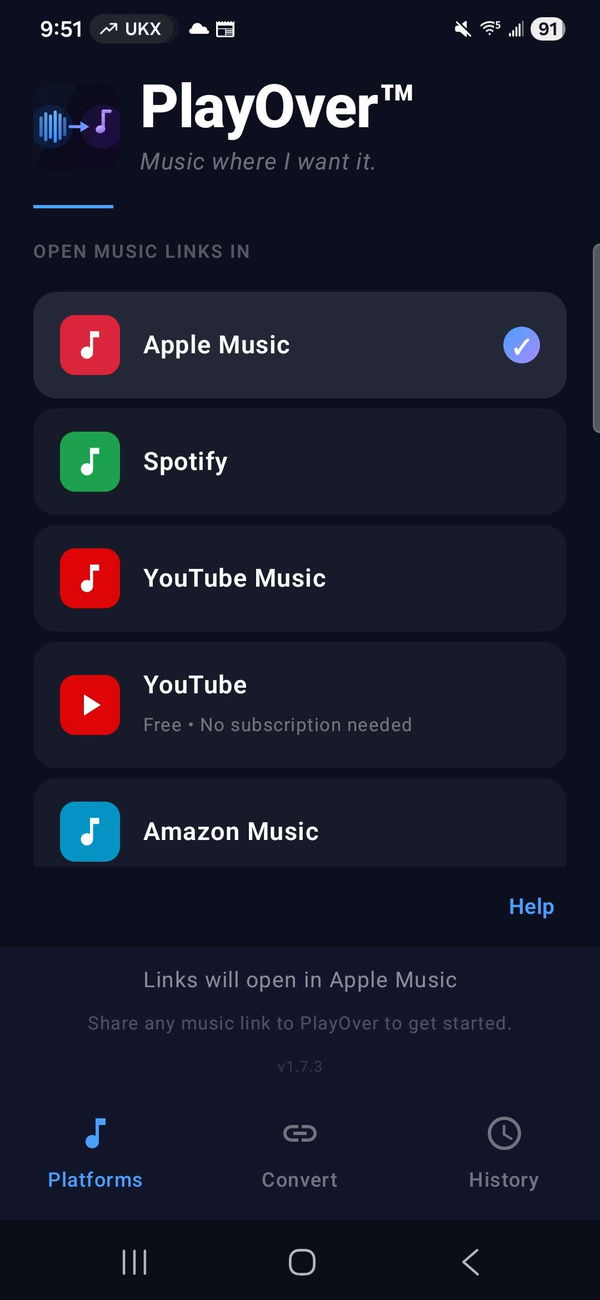
Pick your platform and switch on "Open by default" — then every music link you tap opens straight in it, automatically. No share menu, no extra taps. Or convert any link into a universal one to share.
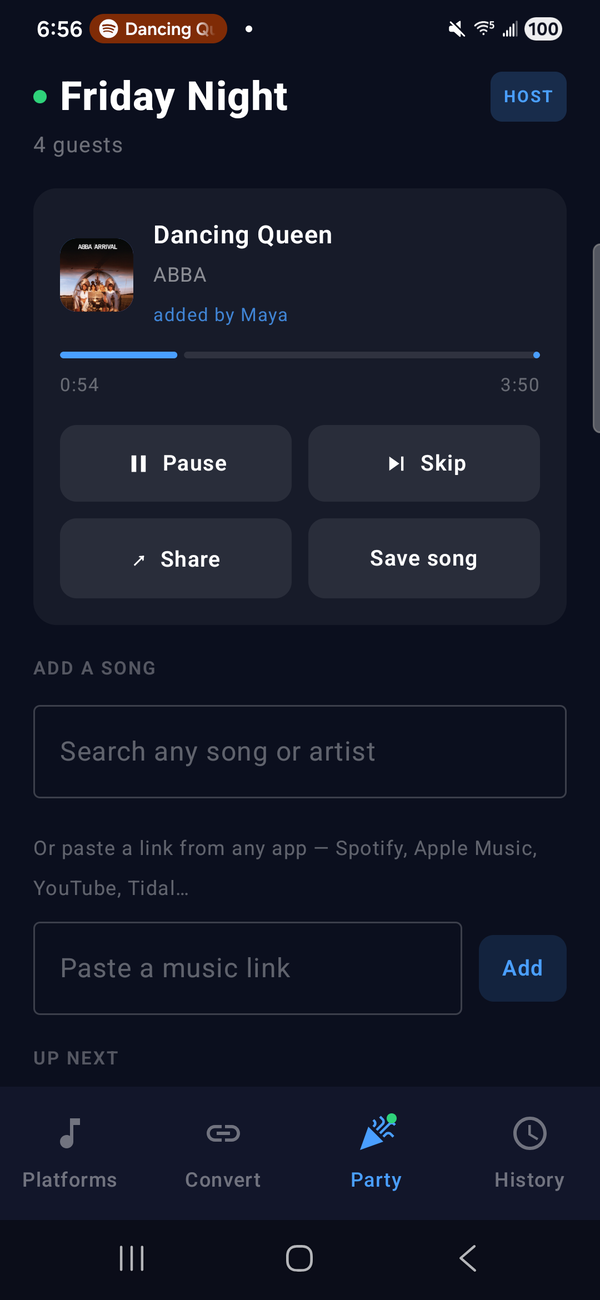
Start a party and your phone becomes the DJ. Guests scan the QR code or open the link, with no app and no account, and add songs from whatever music app they use: search for a song, or paste a link from Spotify, Apple Music, YouTube, Tidal and more. It all plays through your Spotify, in one queue for the room, and every request shows who added it.


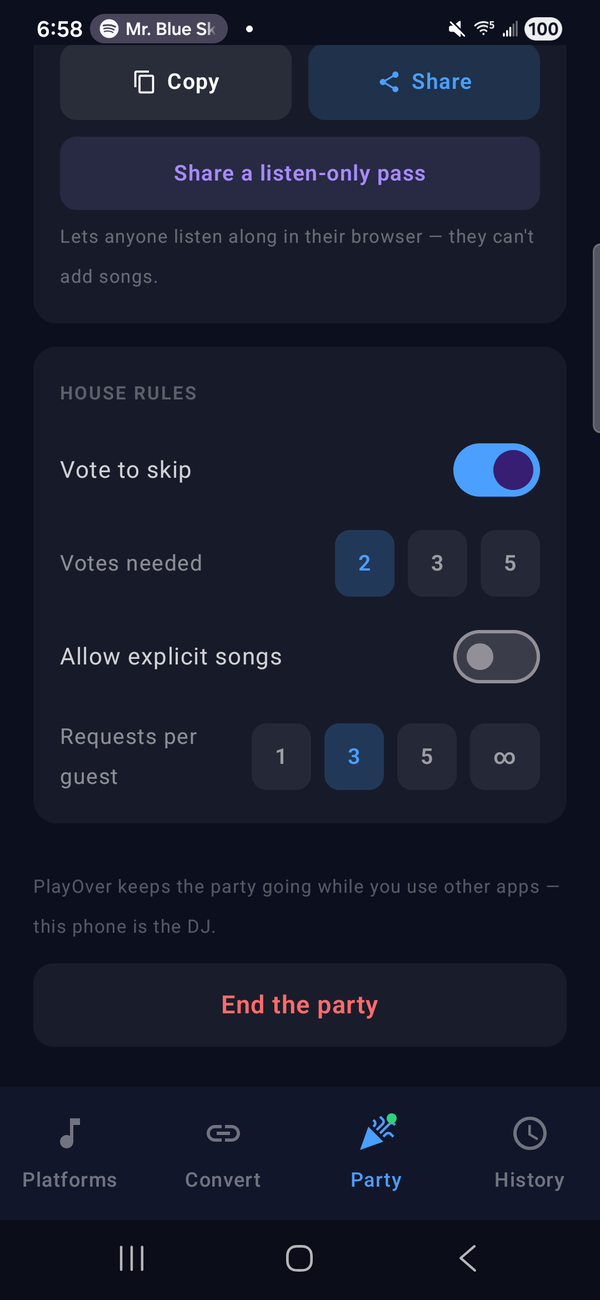
Choose whether guests can vote to skip and how many votes it takes, whether explicit songs are allowed, and how many songs each guest can request.
Friends in different places? Start a listen-along: the same music at the same time, everyone on their own account. Or share a listen-only pass so anyone can listen in their browser without adding songs.
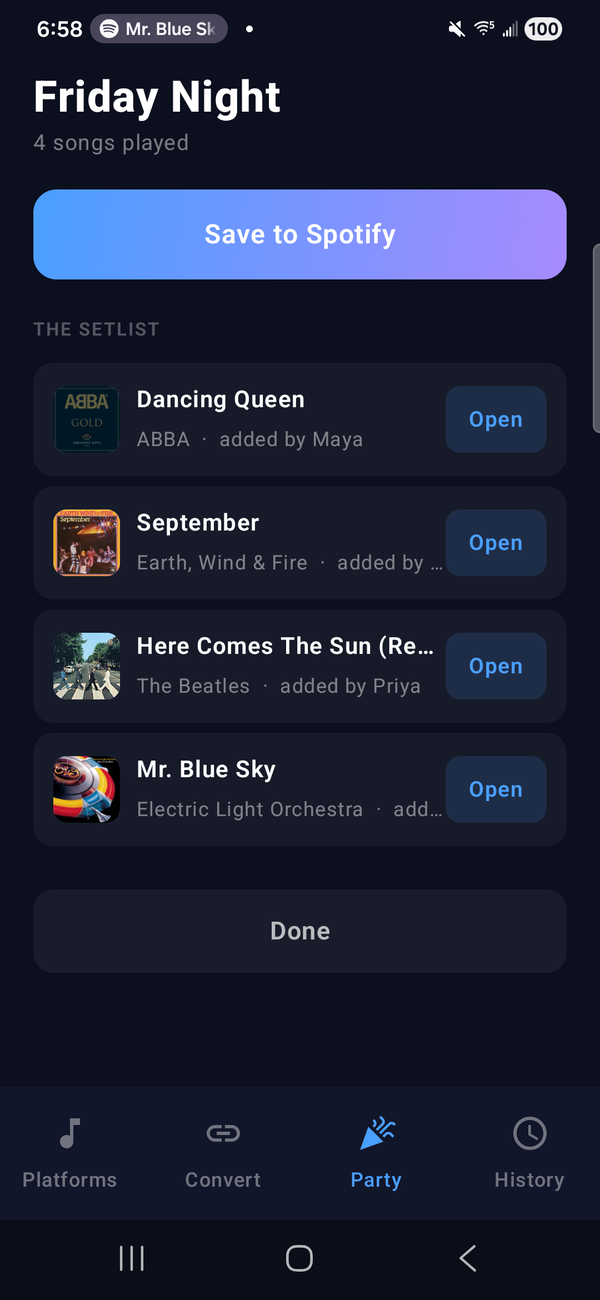
When the party ends, everyone gets the recap: every requested song that played, with who added it, openable in their own music app.
What hosting needs. Spotify Premium and the Spotify app on your phone, plus a one-time setup of about three minutes that PlayOver walks you through. Listening along in sync in the Android app also uses Spotify Premium; without it, each song opens in your own music app instead. On Apple Music? Host from PlayOver for Windows, or from any computer's browser at party.playover.app/host. Got a code from a friend? Join from the Party tab with the code and your name, or scan the party's QR code. See how guests join →
PlayOver shows up whenever you share a link on Android. Tap it to instantly convert and open the song on your preferred platform.
Enable PlayOver as the default handler for music links and it will automatically intercept and redirect them — no extra taps needed.
Pick your streaming service once and PlayOver will always open links there. Change it any time from the main screen.
Every link you convert is saved locally. Tap any entry in your history to reopen it instantly — perfect for songs you want to revisit.
No account or sign-up needed. We never sell your data or use it for advertising. See our Privacy Policy for what PlayOver collects and why.
No ads, no subscriptions, no hidden costs. PlayOver is free forever on every platform.
PlayOver integrates with Android's native sharing system. Follow these steps to get started.
It's free and requires no account or sign-up.
Open PlayOver and tap the streaming service you use most. You can change this any time.
Go to Settings → Apps → PlayOver → Open by default and enable it. This lets PlayOver automatically handle music links when you tap them anywhere on your device.
Tap Share in Spotify, Apple Music, YouTube, or any supported app, then select PlayOver. The song opens on your platform instantly.