Which music services does PlayOver Aux play?
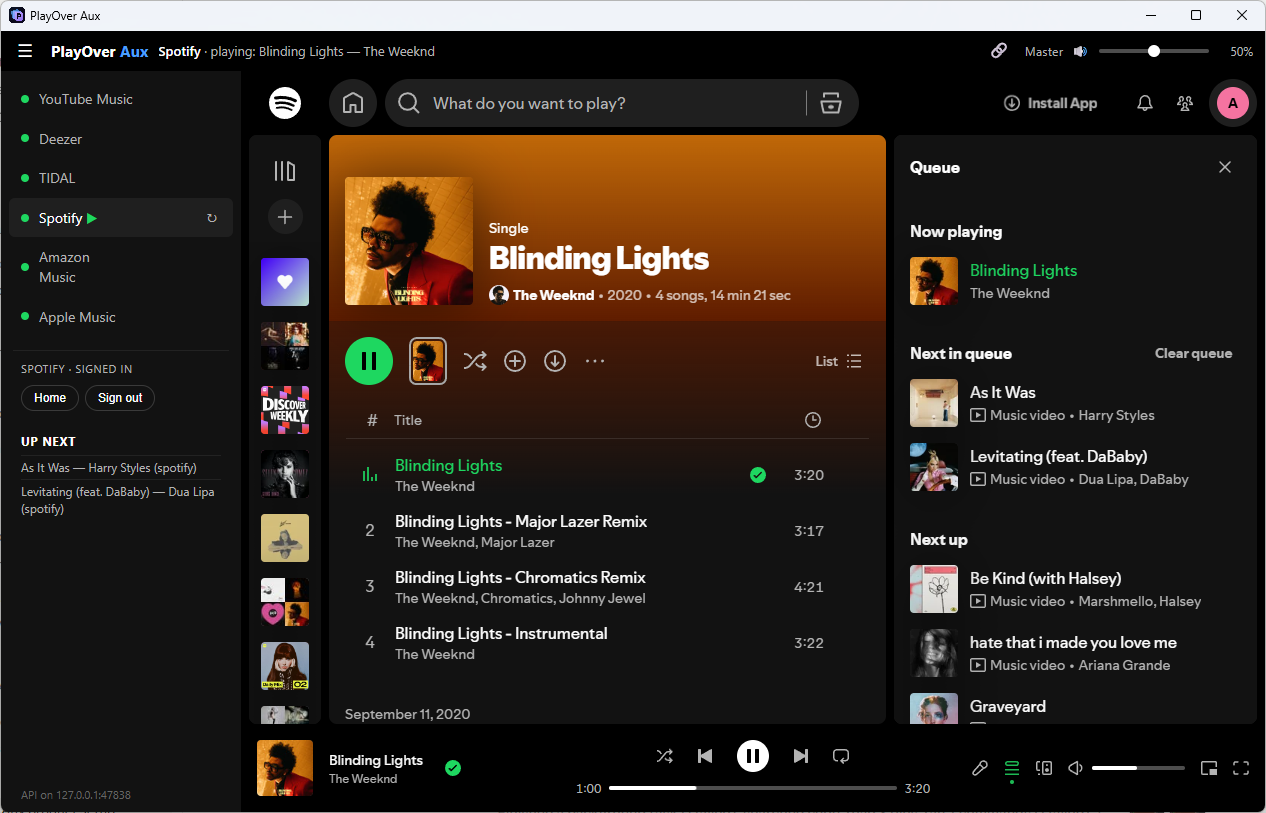
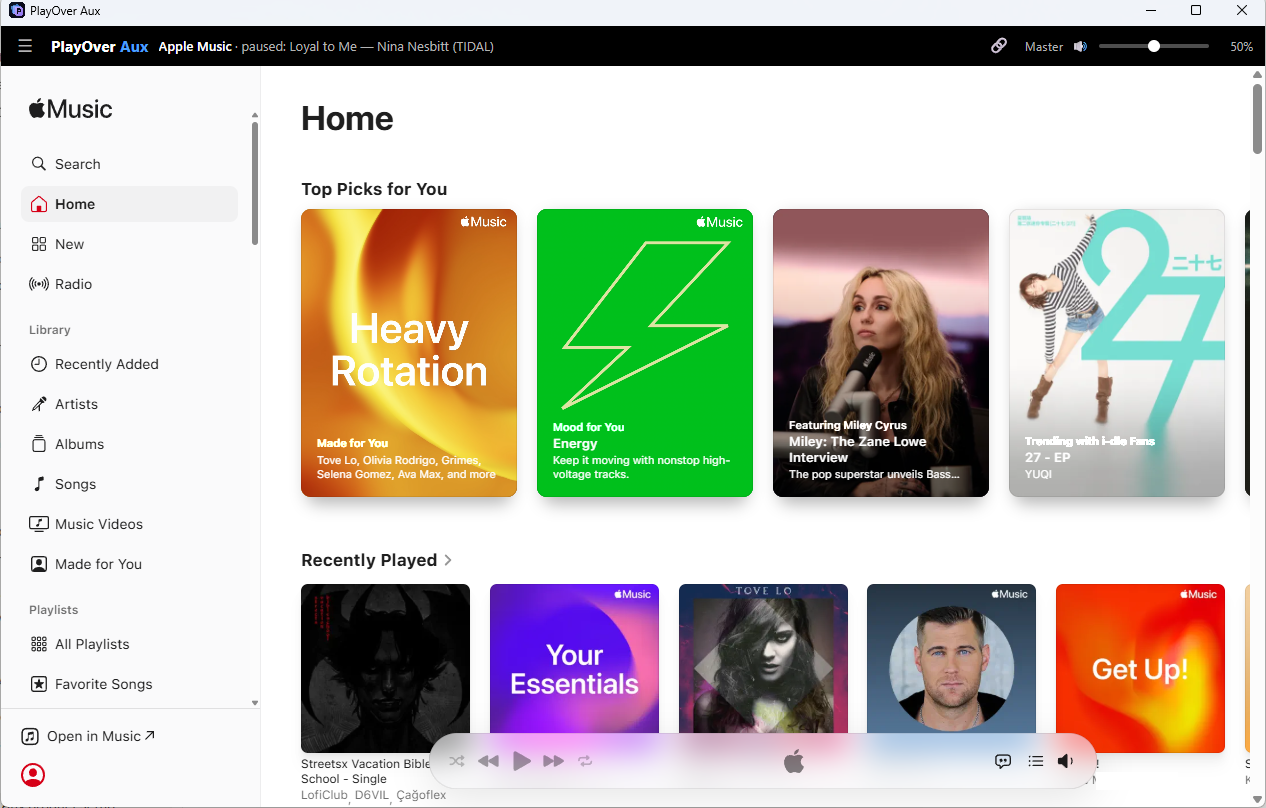
Spotify, Apple Music, YouTube Music, TIDAL, Deezer and Amazon Music. Aux runs each service’s own web player, so you sign in with the account you already have and the service behaves as it does in a browser.
Do I need a paid subscription to use PlayOver Aux?
You need your own account on each service you want to play, and what that account can play is what Aux can play. Spotify Free and YouTube Music’s free tier play full songs with ads. Free Deezer plays 30-second previews. Amazon Music needs Unlimited: Prime only plays stations. Aux does not provide the music itself.
Do song requests need Spotify Premium with PlayOver Aux?
No. With Aux, a free Spotify account takes your chat’s song requests: they go into the queue and play, with Spotify’s ads between songs as on any free account. Without Aux, taking requests on Spotify through PlayOver for Windows needs Spotify Premium.
Can my chat request songs into Aux?
Yes. PlayOver for Windows takes requests from Twitch, Kick and TikTok chat, and they play on whichever service Aux is playing. A link from any music service is converted to yours. If your service does not have the song, the viewer is told, with your service named. Your viewers do not need the same music service as you, and they do not need an account with PlayOver.
Can PlayOver Aux move playlists between services?
Yes, between any two of the six. Aux uses your own signed-in accounts, so it is not held to the limits the services put on developer apps, and a free Spotify account works too. Songs are matched by their recording ID where the service gives one, and by title, artist and length where it does not. New playlists are private everywhere except Spotify, where they can be viewed by anyone with the link.
Can I host a PlayOver party from Aux?
Yes. The party plays on the service you’re playing in PlayOver Aux, on any of the six. Hosting needs an account that plays full songs: free Deezer and free TIDAL only play previews, and Amazon Prime only plays stations, so those cannot host. Guests join from the party link as usual, and a guest on Windows can listen along in Aux on any of the six services.
Where are my music service sign-ins kept?
On your own PC. Each service gets its own separate space on your computer, so one service’s sign-in never reaches another, and your passwords and the services’ cookies never reach PlayOver’s servers. Signing out of a service in Aux signs out Aux’s copy, not that service in your browser.
Does PlayOver Aux replace PlayOver for Windows?
No. They work together on the same PC.
PlayOver for Windows handles your chat, the commands, parties and the
stream overlay; Aux is the player the songs go into. You can use PlayOver for Windows without Aux.