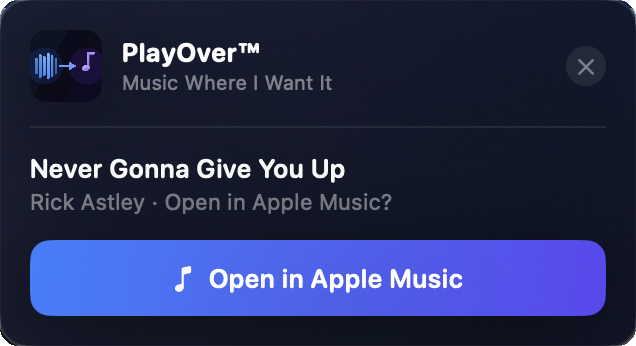
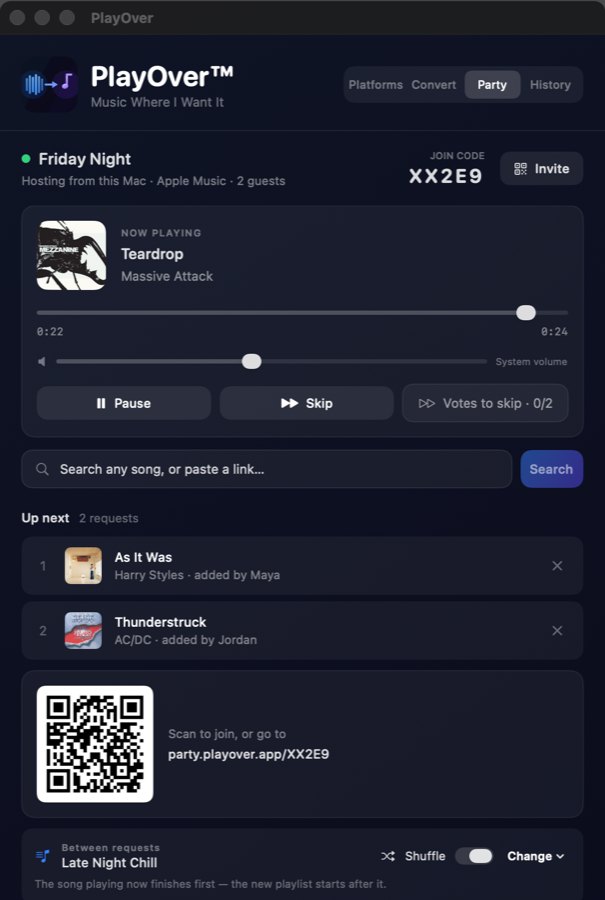
PlayOver watches your clipboard in the background. Copy a music link with ⌘+C and a popup appears instantly in the top right of your screen — no app switching required.
PlayOver lives in your Mac menu bar, out of the way but always available. Click it to see your recent conversions or change your preferred platform.
PlayOver starts automatically when you log in to your Mac and runs quietly in the background. It's always ready without any extra steps.
Works with any app that lets you copy a link — Safari, Chrome, Firefox, Spotify, Discord, Messages, and more. If you can ⌘+C it, PlayOver can convert it.
PlayOver only reads clipboard content that looks like a music link. It never reads, stores, or shares other clipboard data.
No subscriptions, no ads, no in-app purchases. PlayOver is free forever on every platform.
PlayOver for Mac integrates with macOS natively. Setup takes less than a minute.
It's free and installs like any other Mac app. No account or sign-up needed.
On first launch, macOS will ask if PlayOver can access your clipboard. Click Allow — this is what lets PlayOver detect music links.
Click the PlayOver icon in the menu bar and select your preferred streaming service. You can change this any time.
Find a song on Spotify, YouTube, Apple Music, or anywhere else and copy the link with ⌘+C. The PlayOver popup appears instantly in the top right of your screen.